
Skip to content

An AI front deskthat stays inside your clinic

Clinic Box is a consultation package for your clinic's website. It answers patients by chat and voice, passes them to your staff when a person is needed, and stores every conversation on a Mini Server inside the clinic.

  • Dermatology, plastic surgery, dental, eye clinics
  • 60‑day trial
  • No diagnosis or prescriptions
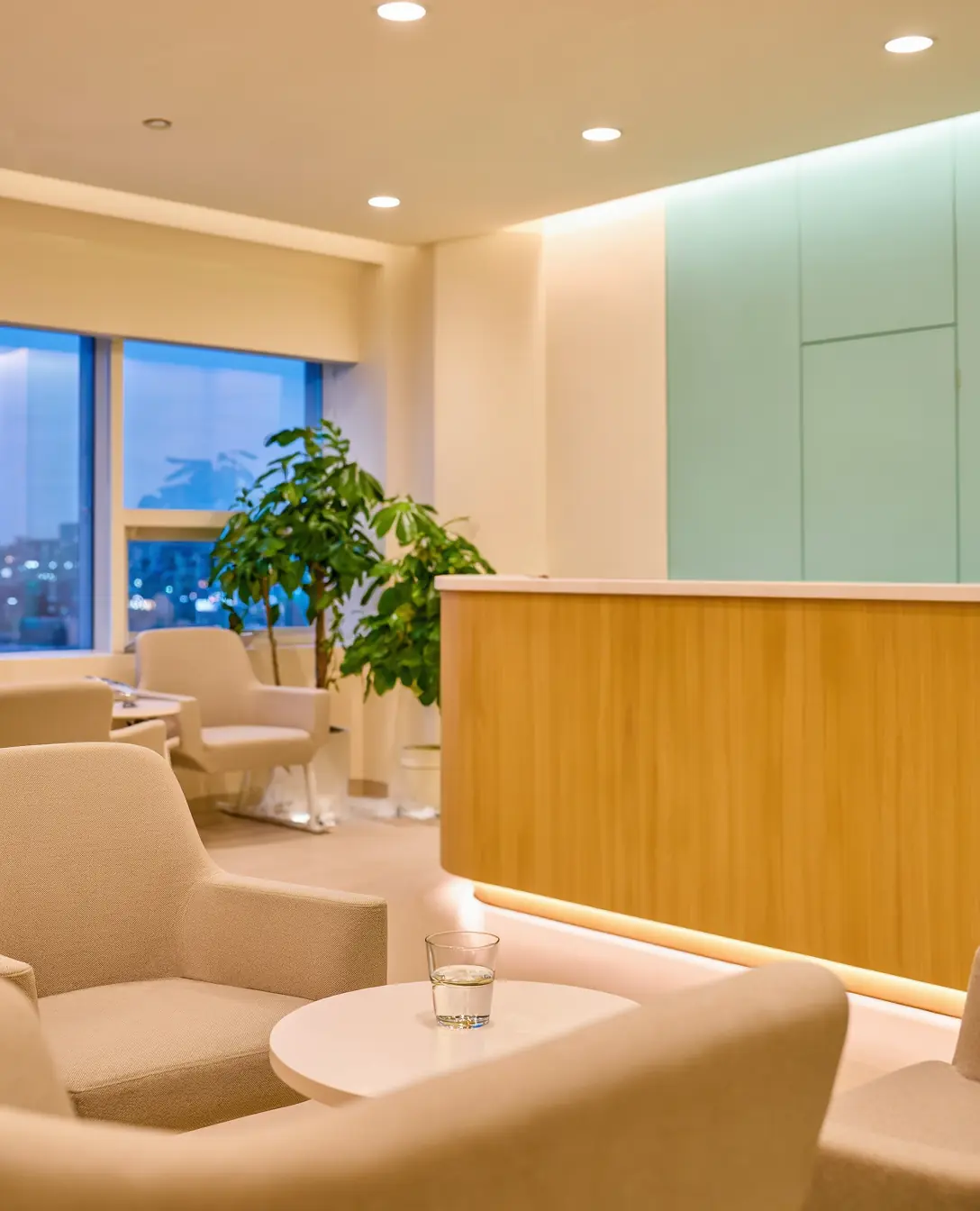
A quiet clinic consultation lounge in evening light

Voice · listening

AI Care CoordinatorAvailable now
Example screen

Are you open on Saturdays? Is there parking?

On Saturdays we're open from 9:30 a.m. to 2 p.m. The basement car park is free for two hours.

Source: Clinic guideBook a Saturday visit
specialties ready to set upskin, plastic, dental, eye
4
ways to talkchat and voice
2
nightly update window10 p.m. to 8 a.m.
10h
day trialbefore you sign
60

Patients still ask after you close

After hours, website questions wait until morning. Clinic Box answers them from the guides your clinic wrote, and sends anything that needs a person to your front desk.

One coordinator for chat and voice

Patients tap the button on your website and type or speak. What they say appears on screen as they talk, so they can see it was heard right.

  • Pre-visit guidance only, never diagnosis or prescriptions
  • Booking buttons open your booking page, KakaoTalk or phone
  • Voice comes with the Pro licence
Example screen
AI Care CoordinatorAvailable now

I need to change my appointment.

You can change it with the button below. If you'd rather talk, I can connect you by phone.

  • Change booking
  • KakaoTalk
  • Call

It answers only from what your clinic wrote

Put your clinic guide, aftercare sheets and FAQs in a folder. Answers come from those files, with the source shown. Questions the files don't cover go to your staff instead of being made up.

  • Diagnosis, prescription and medicine questions go to staff
  • Answers your staff fix in the review sheet go live overnight
  • Files live in a shared Google Drive folder or a folder on the clinic PC
Example screen

Aftercare

  • Laser toning day: rinse gently with lukewarm water
  • Exfoliants from 7 days after treatment
  • Call us if redness lasts over 3 days
  • Sunscreen every day

When can I exfoliate after laser toning?

You can use exfoliants 7 days after the treatment. If redness lasts more than 3 days, please call the clinic.

Source: Aftercare

Your staff take over when it matters

Chats that need a person appear on the console at the front desk. A staff member takes over, replies, and hands the chat back to the AI when done. Patients who ask for a person or complain are passed over too.

  • The console opens only on the clinic network
  • When no one is free, it takes a name, number and good time for a callback
  • Each staff member signs in with their own account and sets themselves available
ConsoleExample screenAvailable
  • Needs a person

    Question about medicine

  • AI chatting

    Parking

  • Callback

    Prefers after 3 p.m.

Patient

Can I take this with the medicine I'm on?

AI front desk

This needs a clinician, so I've passed it to the front desk.

Overnight, it rereads your Drive folder

Drop an updated price list or a new guide in the shared folder during the day. Between 10 p.m. and 8 a.m. it rereads the folder for tomorrow's chats. The new version goes live only if it passes a test set; otherwise yesterday's stays.

  • If a run fails, it tries again 30 minutes later, up to 3 times
  • No Drive? It reads a folder on the clinic PC
  • It rebuilds the search index; it does not retrain the model
10 p.m.
Example screen
  1. Read filesNew and changed documents in the folder
  2. Test setPasses at 80% or more
  3. Swap or keepKeeps yesterday's if over half the files vanished
  4. Morning reportReview sheet and report saved to Drive
8 a.m.
  • AI상담_검토시트 (review sheet)Staff fix and approve answers
  • AI상담_리포트 (report)Morning summary, names and numbers masked

It never guesses.It answers only fromwhat your clinic wrote,and hands the restto your staff.

Chats and files are stored only inside the clinic

The AI model, chat records and your files all sit on the Mini Server in the clinic. Patients reach it through a Cloudflare Tunnel, so no router ports need opening.

Patient's phoneChat button on your website
Inside the clinic
Mini Server
  • AI model
  • Chat records
  • File index
Front desk PCConsole on the clinic network

Outside AI cloud Not used by default · only if purchased

  • Encrypted at rest

    Chats are encrypted with the clinic's own key and deleted after 90 days by default.

  • Only masked text leaves

    The review sheet and report saved to Drive carry sentences with names and phone numbers masked.

  • Nightly backup

    Backed up at 9:30 p.m. every night, keeping the latest 14.

Recommended hardware

Model
Beelink SER8 class mini PC
CPU
Ryzen 7 8845HS
Memory
32GB (16GB minimum)
Storage
NVMe 1TB · 20GB free or more

A 32GB server you already own works too.

A self-contained package for each clinic

Clinic Box is a set of small services, one per job. If one stops, the rest keep running, and installing or upgrading is the same single command.

Technology

GatewayChat button and API · the only way in from outside
  • ChatAnswers · staff handoff · callbacksRunning
  • RetrievalFinds the source in your filesRunning
  • Nightly updateRereads DriveRunning
  • VoiceSpeak and listen · ProRunning
  • ConsoleClinic network onlyRunning
  • Language model · llama.cpp
  • Text search · bge-m3
  • Speech recognition · whisper.cpp

All services are running.

One command to install

Run it once on the Mini Server and it sets up the steps below in order.

sudo bash deploy/install.sh --license ~/license.json --pubkey ~/license-pubkey.pem --admin director:Director
  • Data folder
  • Build service images
  • First staff account
  • Start and health check
  • Drive check
  • Nightly backup scheduled
  • Run it again to upgrade; the previous version is kept.
  • Works on the CPU when there's no graphics card.

One line on your website

Add this line to your website and the chat button appears. You can forward it to your web agency as is.

<script src="https://chat.your-clinic.com/widget.js" defer data-lang="en"></script>

What each licence includes

  • A licence is tied to your clinic's domain; subdomains are covered.
  • After expiry you get 30 days as usual, and patient chat keeps working after that. Only paid features turn off.
What each licence includesBoxPro
Chat · staff takeoverIncludedIncluded
Nightly Google Drive updateIncludedIncluded
VoiceNot includedIncluded
Multiple branchesNot includedIncluded

Five steps to go live

XenLook works with you from the first call until the button is on your website.

  1. First call

    We hear your specialty and common questions, and scope the trial.

  2. Connect a folder

    Gather your guides in a shared Google Drive folder or on the clinic PC.

  3. Install the Mini Server

    The server sits in your clinic and installs with one command.

  4. One line on your site

    Add the chat button code to your website.

  5. 60‑day trial

    Start with one specialty, see the results, and the trial fee is fully credited if you buy within 30 days.

One-minute film

Real screens from this website, showing what Clinic Box does, one step at a time.

Has narration and music. Turn the sound on. Captions are available.

Read the film as text
  1. Patients still have questions after the clinic closes.
  2. Clinic Box is an AI front desk for your clinic's website.
  3. Patients can type, or simply ask out loud. What they say shows up on screen as text.
  4. It answers only from the guides your clinic wrote, and shows the source. When the answer isn't there, it doesn't guess. It hands the question to your staff.
  5. When it matters, your staff take over the chat, then hand it back to the AI.
  6. Between 10 p.m. and 8 a.m., it rereads your Google Drive folder, and uses the new files the next day.
  7. Chats and files stay on a Mini Server inside the clinic, installed at each clinic as its own package.
  8. XenLook Clinic Box.

Pricing (VAT excl.)

Set against clinic chatbot services (₩4.5–12M to build + ₩750k–1.5M a month) and consult staff (₩2.5–3M a month). You buy it once and keep it in your clinic; a care agent that lives inside the box looks after it.

Key pricesBasic ₩11.9M · Pro ₩17.9M (one‑time purchase, Mini Server included) · care from ₩190K/mo · 60‑day trial ₩2.9M · VAT excl.

Clinic Box Pro

Recommended

₩17.9M

Care
From ₩190K/mo · 12 months required
Total over 3 years
₩31.94M

One‑time purchase · Mini Server 32GB included

  • 3 websites connected
  • 2 specialties · 80 FAQs
  • Chat + voice consult
  • 2 staff training sessions · setup

The 3‑year total uses Standard care (₩390K/mo).

Get a quote now

Clinic Box Basic

₩11.9M

Care
From ₩190K/mo · 12 months required
Total over 3 years
₩25.94M

One‑time purchase · Mini Server 32GB included

  • 1 website
  • 1 specialty · 30 FAQs
  • Chat consult
Get a quote now

60‑day trial

₩2.9M

Care
Included during the trial
  • We lend and install the device
  • Try it with one specialty
  • Fully credited if you buy within 30 days
Get a quote now

Monthly cost compared

Per month · KRW

Online consult staff8h · benefits included (KR avg.)

₩2.5–3M/mo

Cloud hospital chatbotBuild ₩4.5–12M extra · external data

₩750k–1.5M/mo

Clinic BoxSpread over 3 years · purchase + Standard care ₩390K/mo

₩0.72–0.89M/mo

Costs at a glance

Clinic Box Basic
₩11.9M
One‑time · Mini Server, setup, first learning, training
Clinic Box Pro
₩17.9M
One‑time · 3 sites · 2 specialties · voice consult
Care
₩190K–₩690K/mo
Basic, standard or priority · first 12 months required · billed from the month after acceptance
60‑day trial
₩2.9M
Fully credited if you buy within 30 days
Website security check
Free
Report with a fix order ₩390K · included with a Box
Security care
From ₩119K/mo
Box customers from ₩79K/mo
Get a quote nowCheck your clinic website for free

Pick a setup and the quote appears at once, ready to print or save as PDF.

Prices exclude VAT.

Buying through an AI voucher or regional grant? We prepare the paperwork to match your quote.

Common questions

Anything else, ask us by email. We reply on business days.

Does it diagnose or prescribe?

No. Pre-visit FAQ only; all answers assume in-person care is required.

Do chats go to the cloud?

By default, stored on Mini Server only. Cloud assist is a separate purchase, used only with notice to patients.

Does it connect to EMR or booking systems?

Not in the first version. Bookings go to your booking page, Kakao or phone.

AI voucher eligible?

Box+software+install packages can be quoted. Eligibility depends on each program.

Why more than cloud chatbots?

Cloud chatbots keep costing ₩750k–1.5M a month and keep your conversations outside. Clinic Box is bought once and sits on a Mini Server in your clinic; with care, spread over 3 years it comes to about ₩720k–890k a month. It covers the nights and weekends your consult staff (₩2.5–3M a month) cannot.

Do we need Google Drive?

No. Without Drive it reads a folder on the Mini Server. With Drive, you add a service account as a content manager on a shared drive and it connects.

What if the nightly update fails?

If the new files fail the test set, or more than half the material vanished, nothing is swapped and yesterday's files keep answering. A failed run retries 30 minutes later, up to 3 times, and the result is in the morning report.

When do staff take over a chat?

When a patient asks for a person or complains, the console alerts staff right away. Staff can open any chat to take over, then use 'Hand back to AI' when done.

Which licence has voice?

Voice and multiple branches come with Pro. Box includes chat and the nightly Google Drive update.

Who installs and upgrades it?

XenLook does the first install with you. Running the install command again upgrades it, and the previous version is kept.

We have several branches. What then?

Pro covers multiple branches and up to 3 websites. We work out the setup with you on the first call.

Does chat stop when the licence ends?

No. You get 30 days as usual after expiry, and patient chat keeps working after that. Only paid features such as voice and the Drive update turn off.

How to reach us

Trials start by email — no cold sales calls. Share specialty, expected monthly chats, and site URL; we reply within 2 business days.

One specialty · Starter FAQs · no obligation to convert if it does not work

  1. Send email

    help@xenlook.com — subject line: Clinic Box

  2. Brief info

    Specialty, clinic name, website URL, preferred trial start.

  3. Quote & schedule

    Get a quote on the pricing page right away, or start with a 60‑day trial (₩2.9M). We can help with an AI voucher if you need one.

help@xenlook.com

Email about a trial

Product inquiries by email only (not for urgent outages).